April 29th, 2026
Improvements
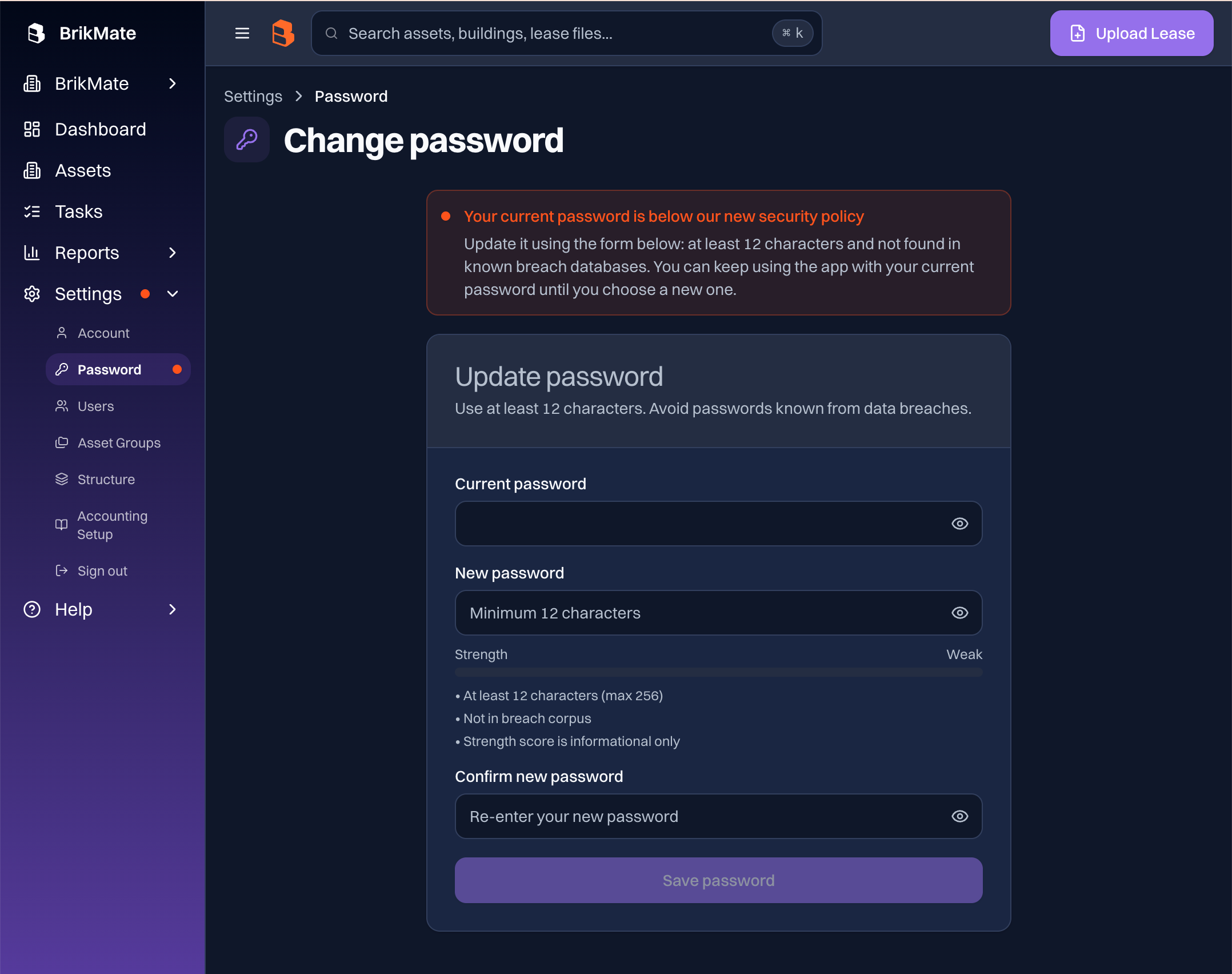
You'll find a new password page in Settings with a live strength meter and an automatic check against public data leaks whenever you set a new password.
Features
New Change password page under Settings, with a live strength meter and a checklist that updates as you type.
Sign out has its own item in the Settings menu.
Improvements
Pick any 12+ character password or passphrase that works for you.
New passwords (at sign up, reset, or change) are checked against public breach databases. Any that have already turned up in a known leak are flagged so you can choose another.
Settings includes a quick path to refresh your password whenever the time is right.
April 23rd, 2026
Features
Improvements
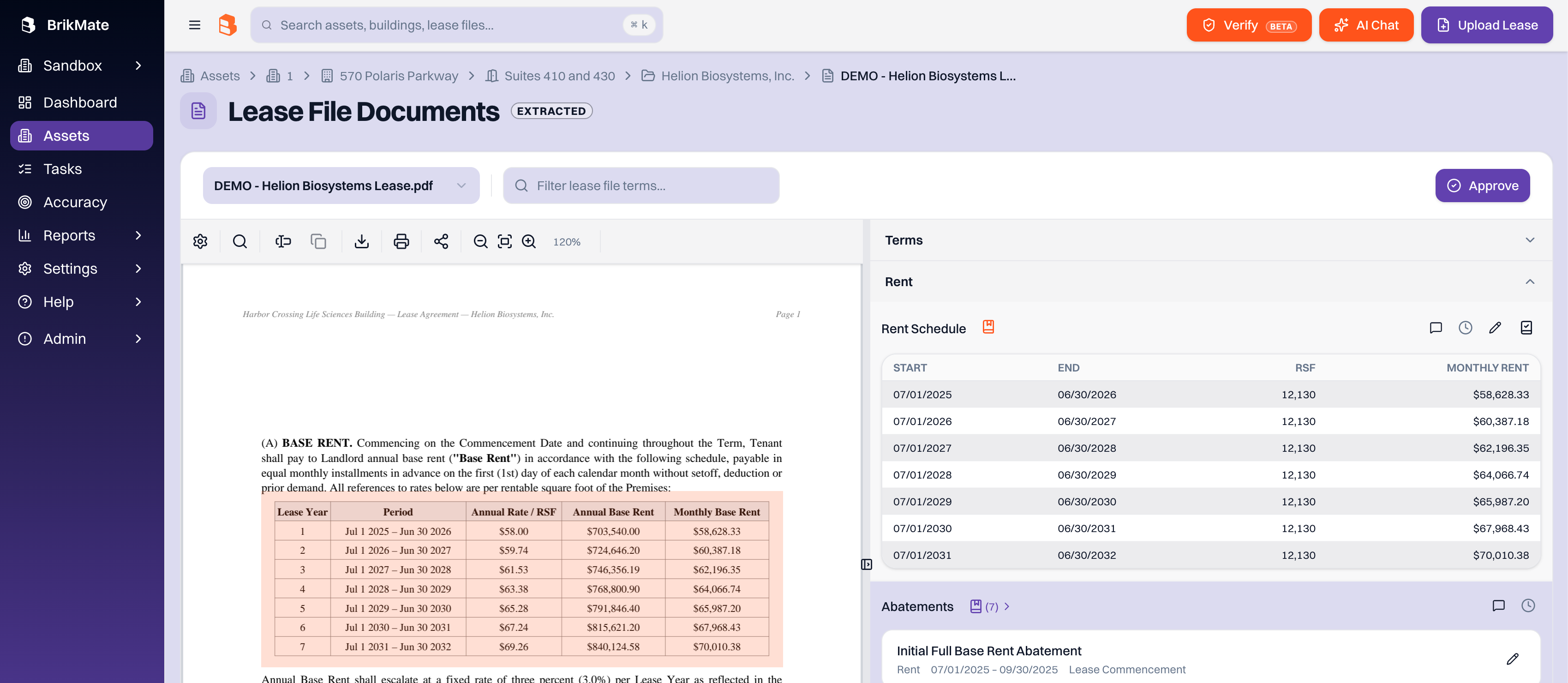
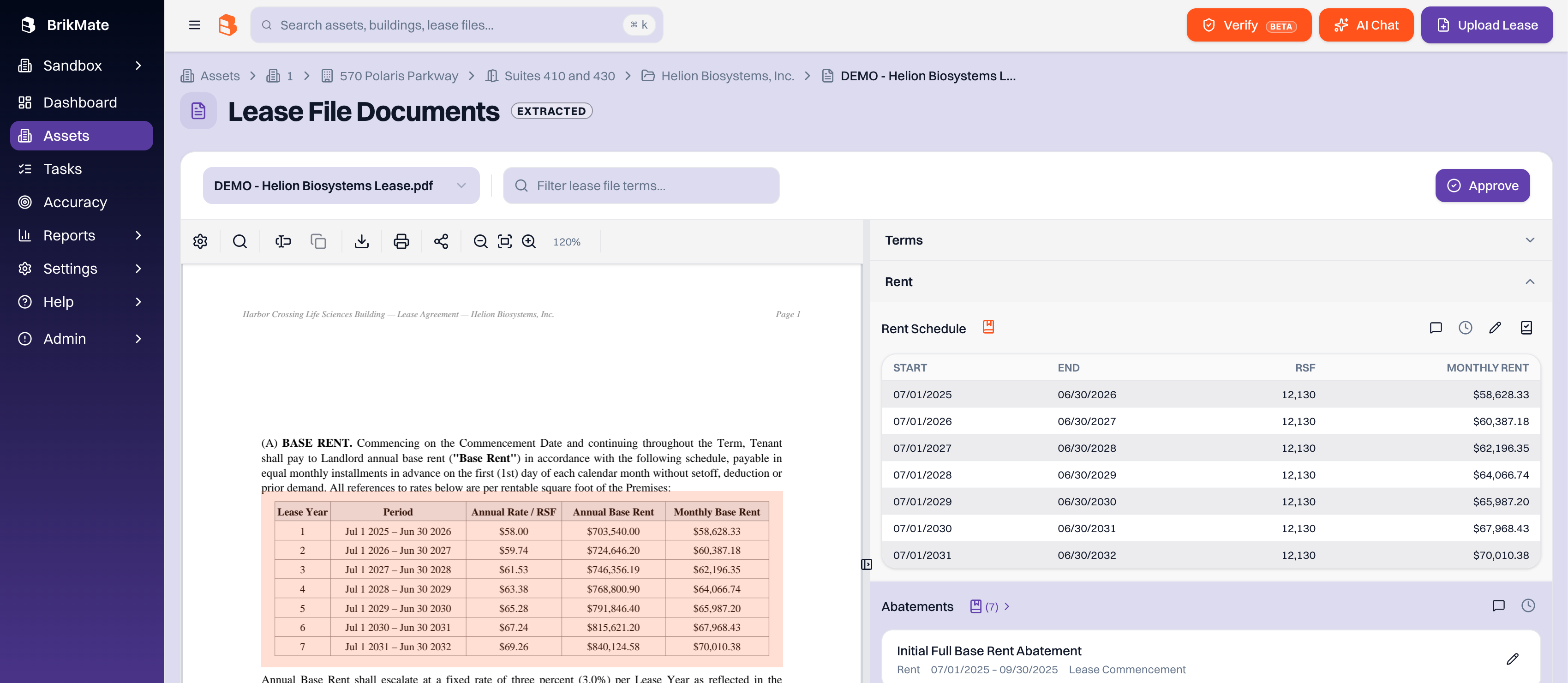
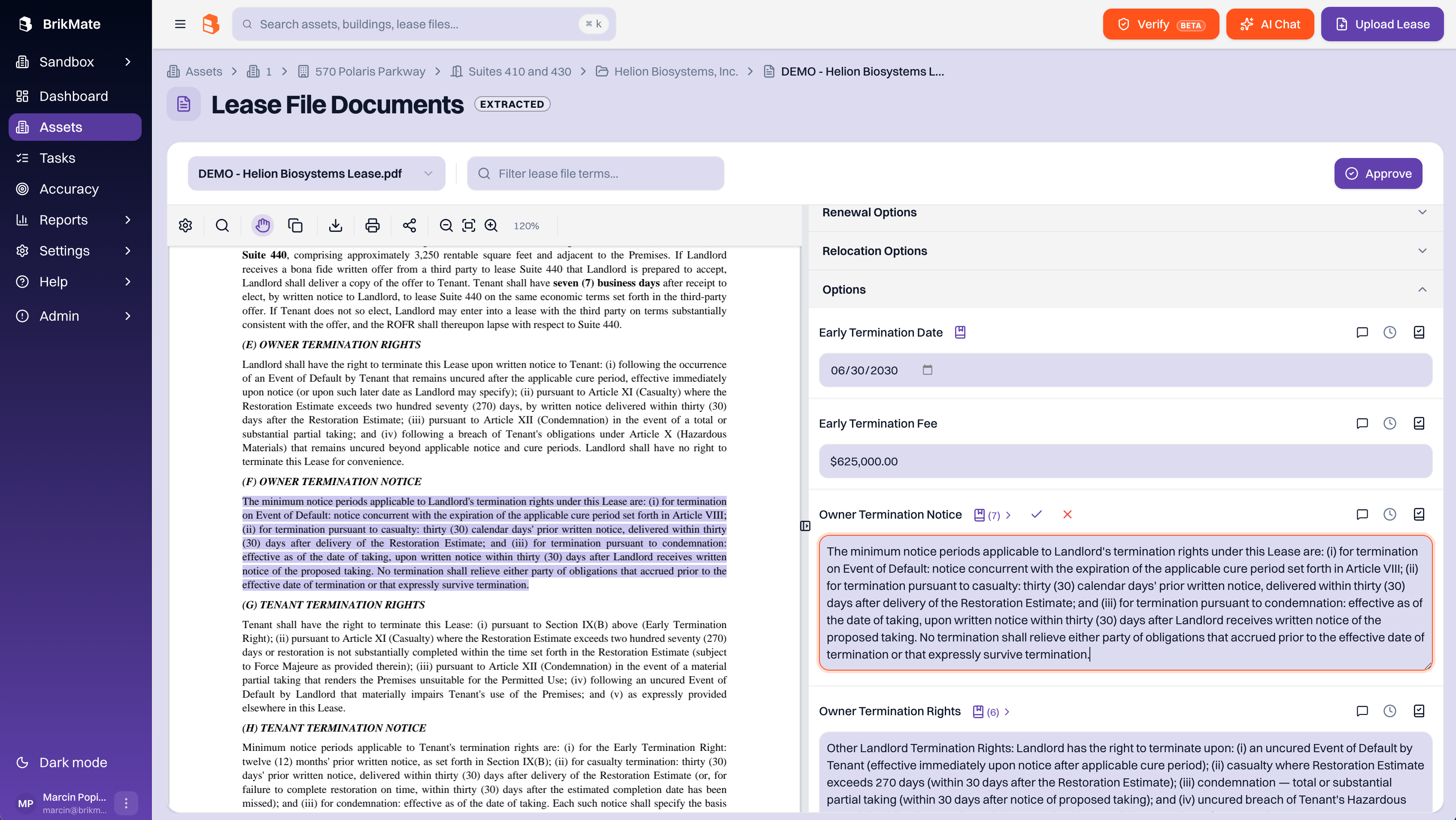
You can now add custom citations to any lease field by highlighting passages in the document, and copy clean text straight out of the PDF viewer.
Custom citations
Highlight any passage in a lease document and attach it to a field as your own citation. Your citations sit alongside the AI's, and you can remove or restore any of them at any time, so each field shows exactly the sources you want.
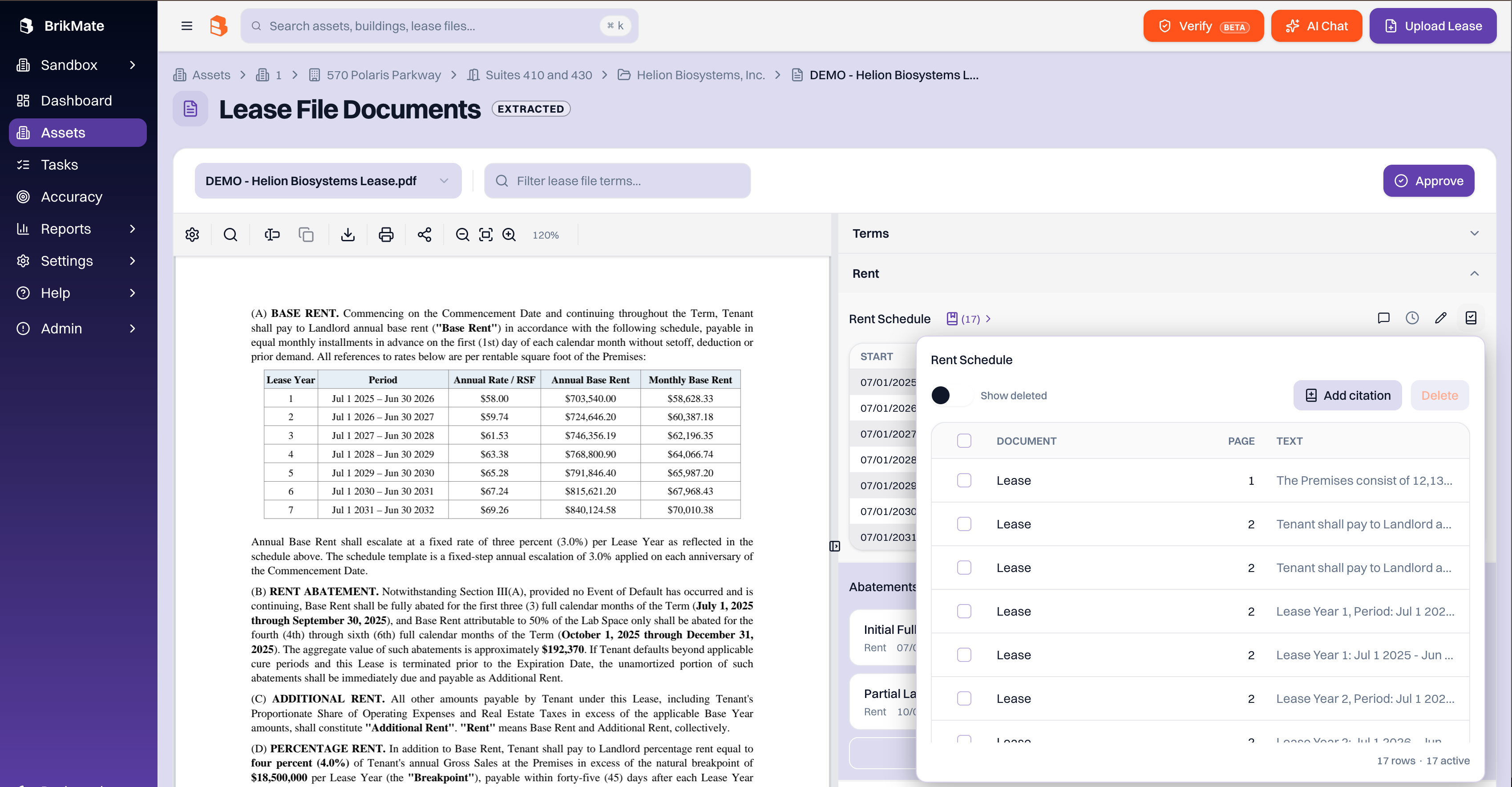
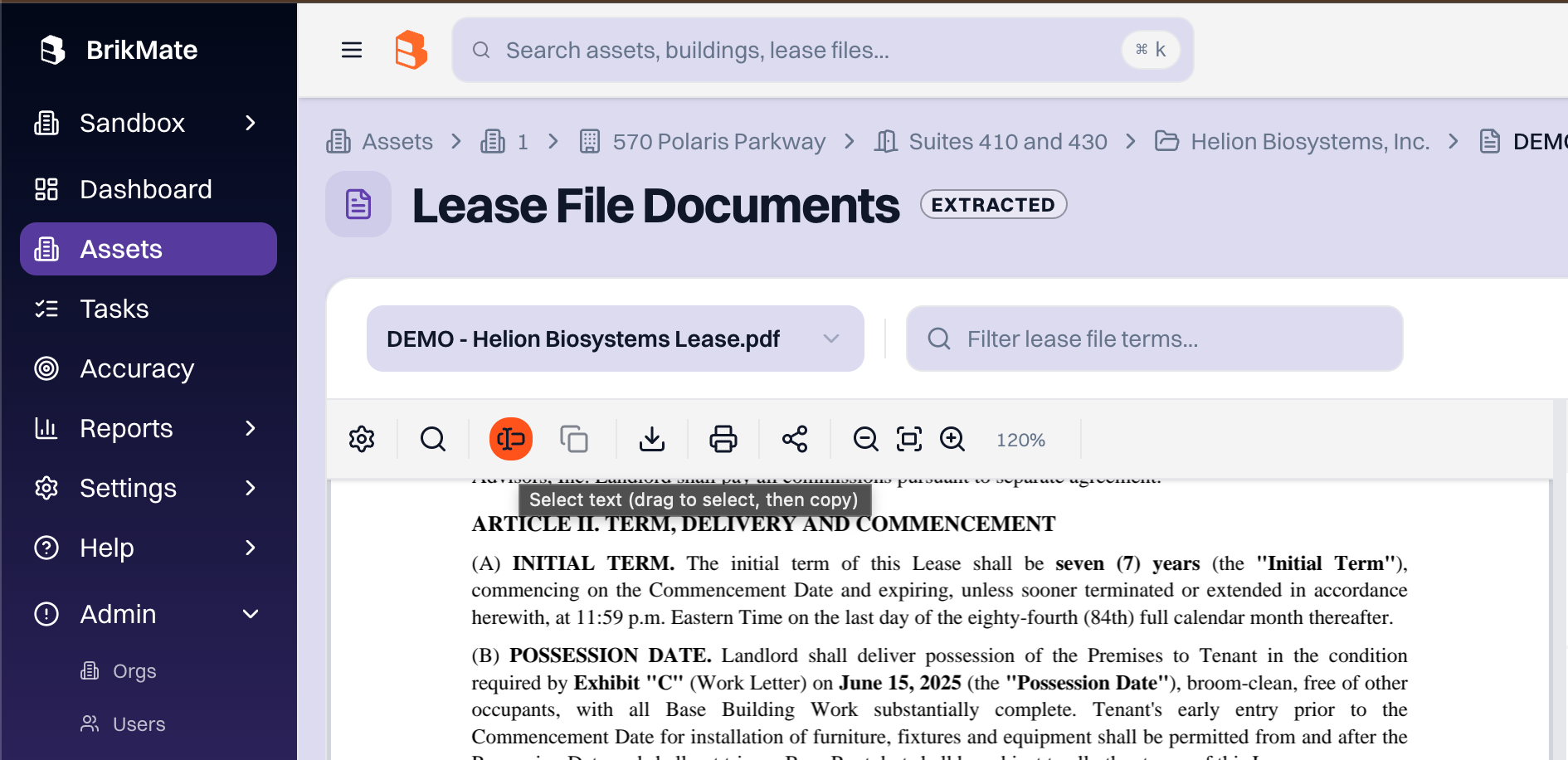
Copy text from the PDF viewer
The document toolbar has a new text-select mode. Switch from pan to select, drag across the text you want, and copy with Cmd/Ctrl+C. Line breaks, hyphenated words, and paragraph spacing are cleaned up automatically so the pasted text reads naturally.
April 21st, 2026
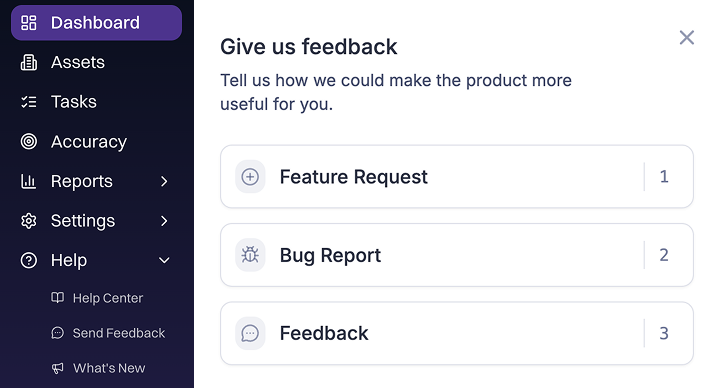
We’ve made it easier to get help, share feedback, and stay up to date, all without leaving BrikMate.
Help Center
Access helpful articles, guides, and answers to common questions directly in the app. Just click “Help” in the sidebar to find what you need, right when you need it.
Send Feedback
Have a suggestion or spotted an issue? Use the “Send Feedback” option in the Help menu to quickly share it with our team. We’re listening.
What’s New
Keep up with the latest improvements in the “What’s New” section. You’ll see recent updates and get notified when new features are released.
April 15th, 2026
Features
Improvements
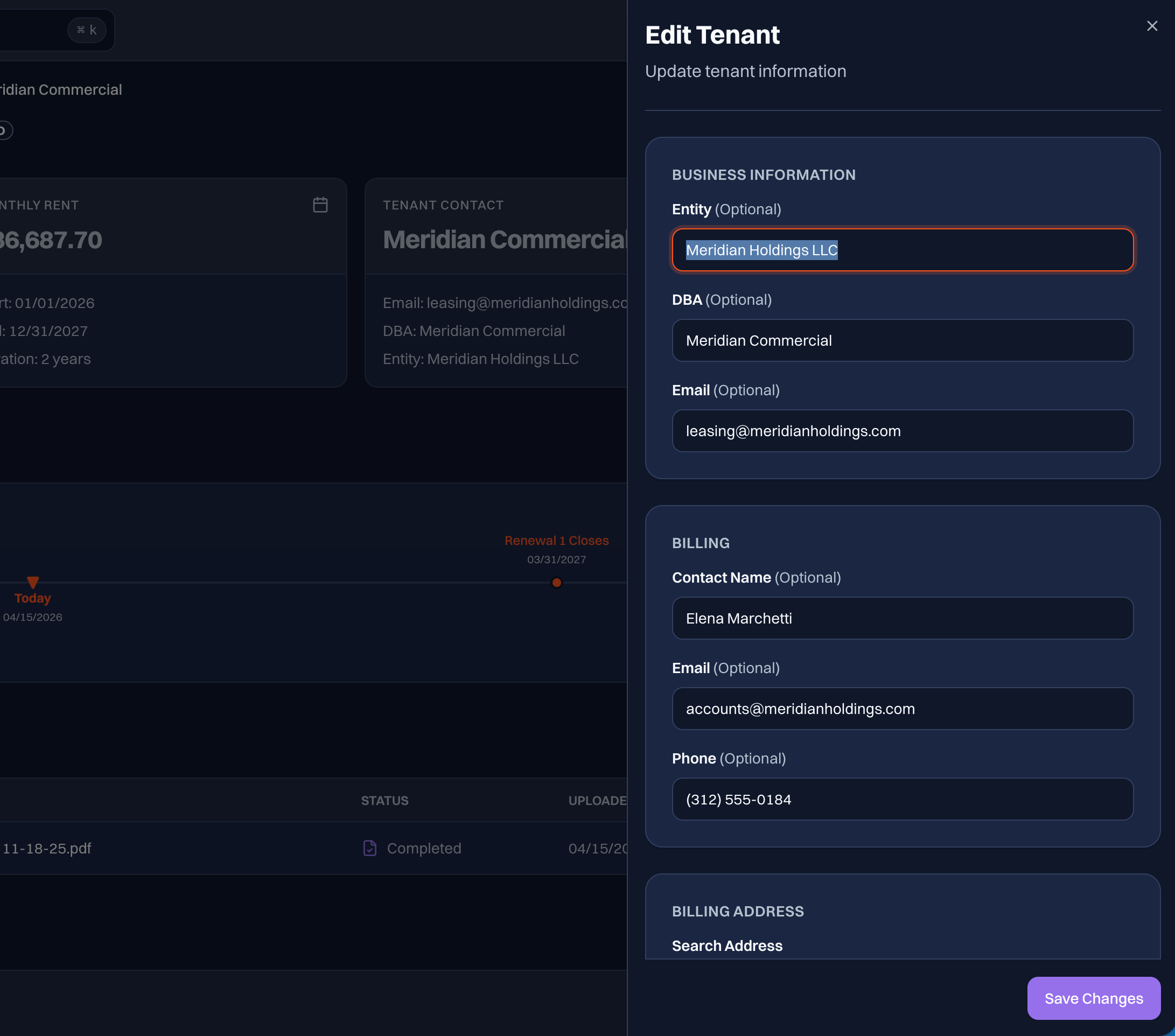
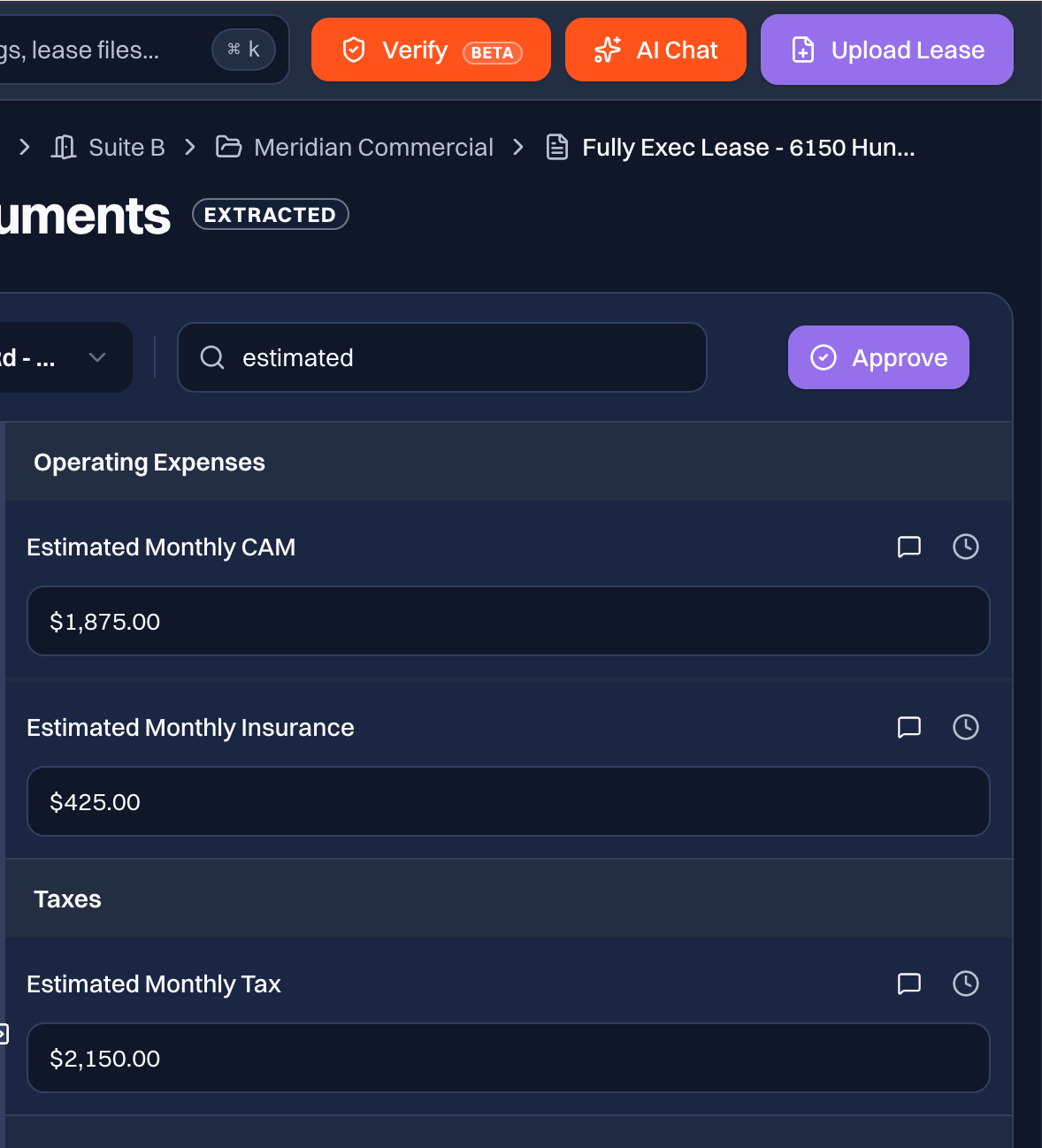
You are now able to update tenant billing details and include them on the abstract. Additionally, estimated CAM, tax, and insurance amounts are now extracted from leases, and you have the ability to update the values manually by selecting edit on the Tenant Contact card on the lease file documents page. The estimated costs also appear on the abstract.
Features
Tenant billing details — contact name, email, phone, and billing address — are now editable in the Tenant Contact card, on the lease file details page
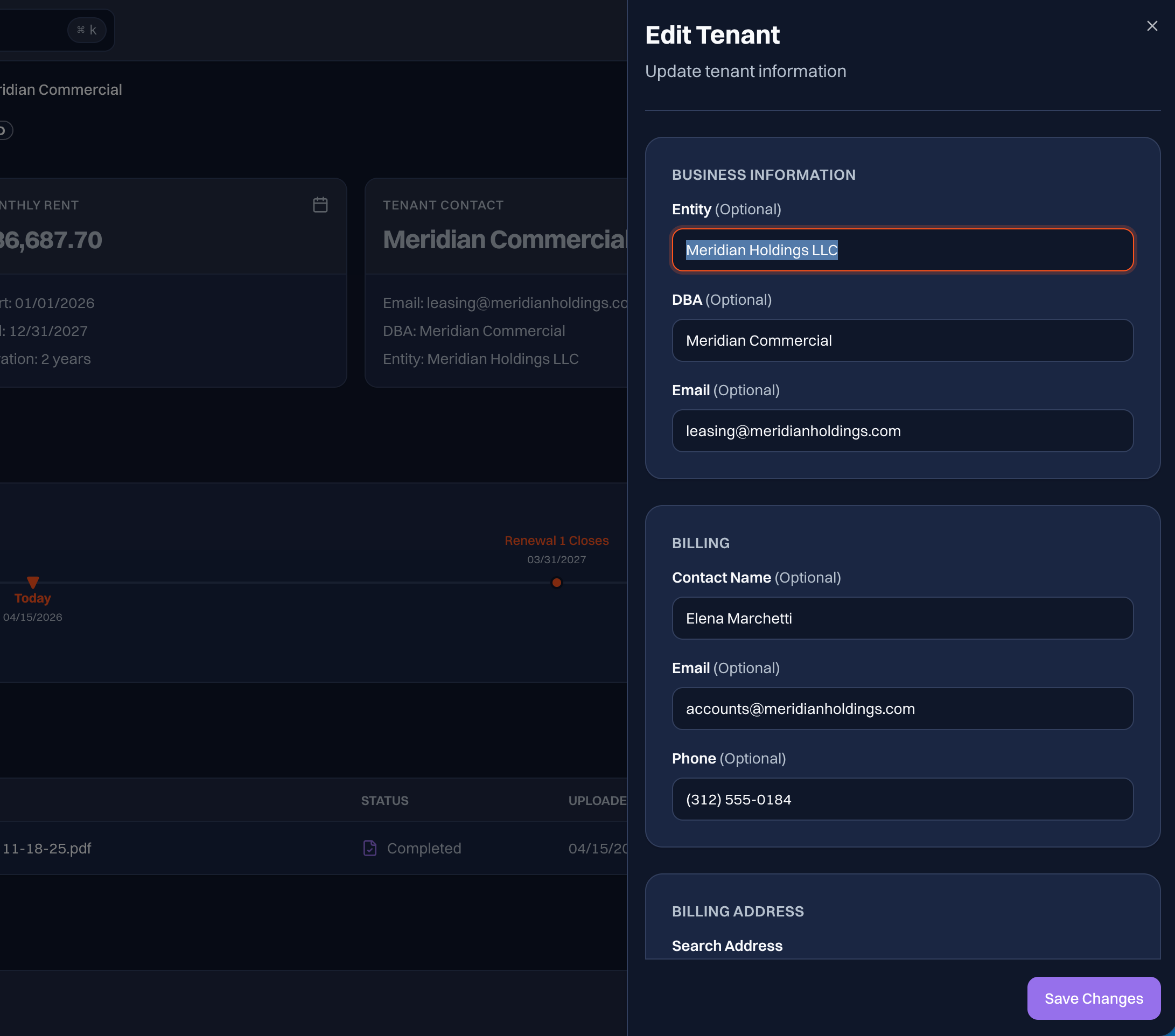
Estimated monthly amounts for real estate taxes, CAM charges, and insurance are now captured during lease extraction